Picto.Video

Kids' drawings, doodles, comics and sketches

Animate your drawing with AI

Take a photo of the drawing and upload it. Say who or what should move and how. In a minute or two you get a 5-⁠second MP4 of the whole picture moving, from the character to the clouds behind it.

No subscriptions. Paper drawings and digital sketches both work.

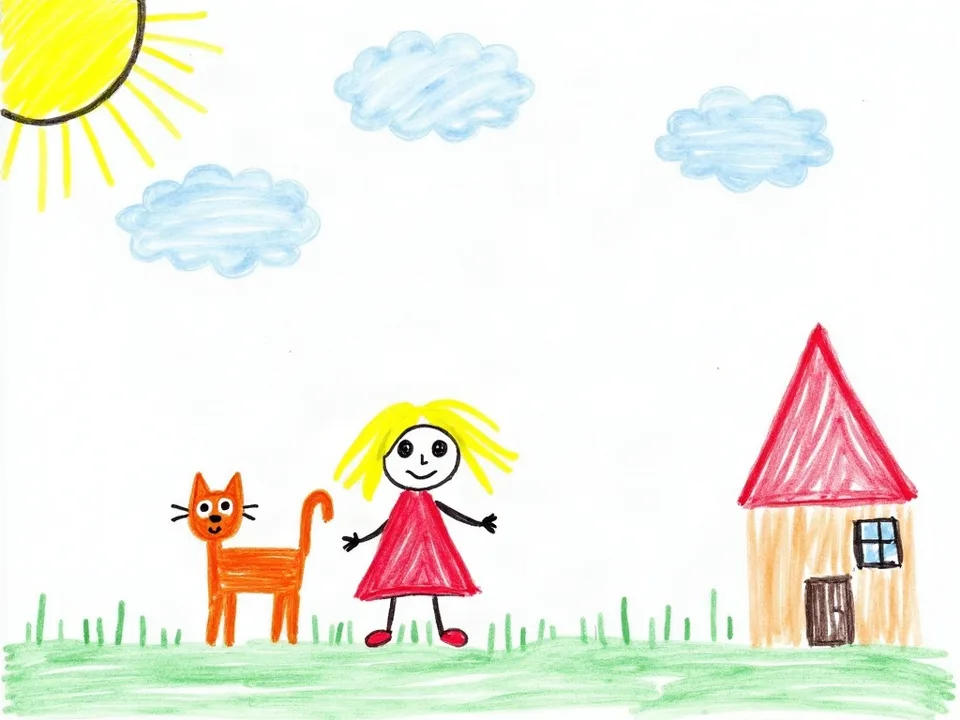
A child's crayon drawing of a girl in a red dress, an orange cat, a sun, clouds and a house
The prompt for this videothe girl waves, the cat wags its tail, the clouds drift

Try it right here

Upload a drawing and say who or what moves and how. Your video is ready in a minute or two.

picto.video/ character animator
+ Drop your drawing on the table photo of a paper drawing or a digital sketch
No subscriptions. No animation skills needed.

Three steps to animate a drawing

No animation software and no timeline.
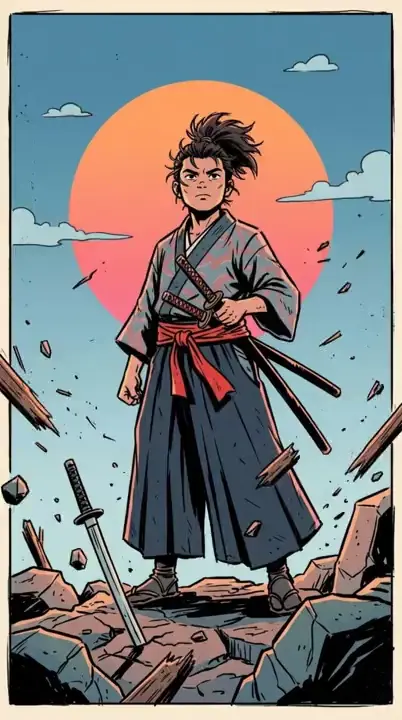
  1. A comic drawing of a samurai at sunsetDrawing

    Upload your drawing

    A photo or scan of a paper drawing works, and so does a digital sketch. JPG, PNG, WebP or HEIC.

  2. wave · blink · wiggle · bounce · come alive

    hero breathes heavily, clouds move and debris flies
    Say who or what moves and how

    Tap a ready move, or describe the motion in your own words.

  3. Video

    Download the MP4

    A 5-⁠second clip, ready in a minute or two. Share it or keep it.

What you can animate

Take a clear, well-lit photo of the drawing. Scans and digital art work too.

  • Kids' drawings
  • Doodles
  • Comics
  • Hand-drawn characters
  • Sketches
  • Digital art
A child's crayon drawing of a girl in a red dress, an orange cat, a sun, clouds and a houseDrawing
Video

Kids' drawings

Promptthe girl waves, the cat wags its tail, the clouds drift
A comic drawing of a samurai at sunsetDrawing
Video

Comics

Prompthero breathes heavily, clouds move and debris flies
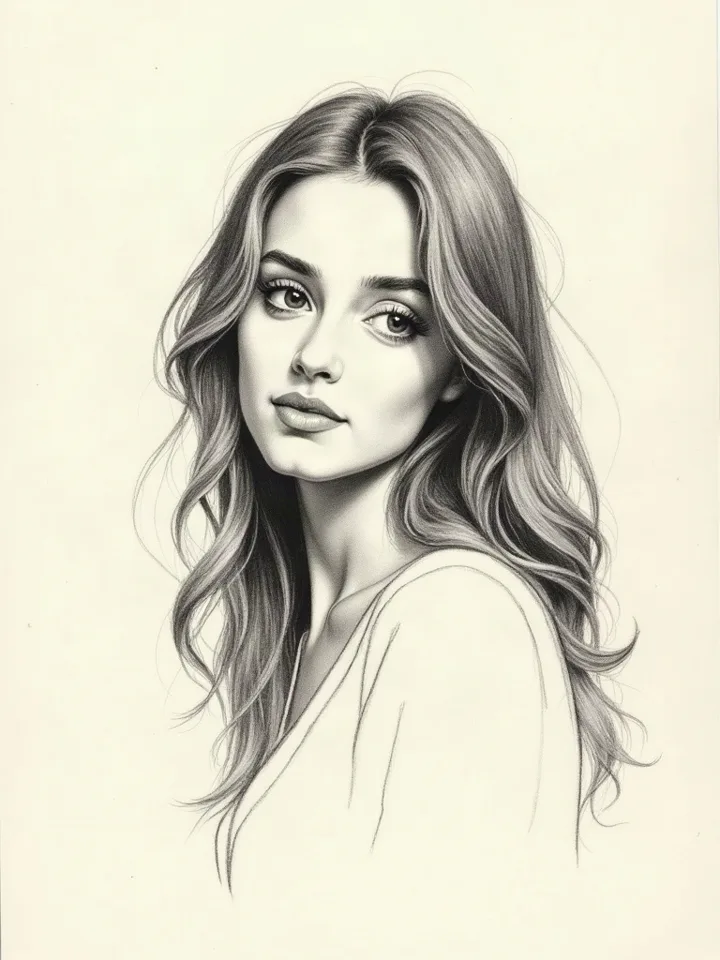
A pencil sketch of a young woman with long wavy hair, on cream sketchbook paperDrawing
Video

Sketches

Promptshe blinks, turns to look at us and smiles, her hair moves in the breeze
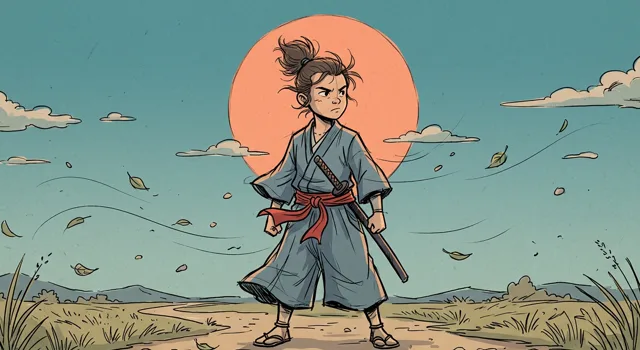
A cartoon drawing of a young samurai in a windy field at sunsetDrawing
Video

Digital art

Picto.Video and Meta Animated Drawings

Meta's free Animated Drawings demo takes one drawn figure and moves it with one of 32 ready-made motions. With Picto.Video you upload any drawing and say who or what moves and how.

What can you upload?

Picto.Video

Any drawing, from one doodle to a full comic scene.

Meta Animated Drawings

One character whose arms and legs don't overlap the body.

How do you pick the motion?

Picto.Video

Say who or what moves and how.

Meta Animated Drawings

Pick one of 32 preset motions.

Can you use the video for work?

Picto.Video

Yes. Your art, your animation, your rights.

Meta Animated Drawings

No. The demo terms rule out any commercial purpose.

See the full comparison

How to animate a drawing with AI

To animate a drawing with Picto.Video you upload one picture and describe the motion. Name the character and what it does. Then name anything else in the scene that should move, like the clouds or a cape. A few words work, and so do longer directions. The video is a 5-second MP4, ready in a minute or two, and your uploads live in your private gallery, where you can delete them anytime.

Bring your kids' drawings to life

Take a photo of your child's drawing, upload it, and type what your child says the character does. If they say it waves, type 'wave'. You get a short MP4 to keep next to the drawing or send to family. Picto.Video also works in the iOS app, so you can do it from the phone you took the photo with.

Questions, answered

How can I animate my drawing?
Take a clear, well-lit photo of the drawing and upload it to Picto.Video. Then say who or what moves and how, like 'wave' or 'clouds move and debris flies'. A minute or two later you can download a 5-second MP4.
What is animated drawing AI?
It is software that takes a picture of a drawing and makes a short video of it moving. Meta's Animated Drawings demo finds one human-like figure, marks its joints and plays a motion-capture clip on it. Picto.Video animates the whole drawing from your directions, so the background can move along with the character.
What is the best free program to animate drawings?
Meta's Animated Drawings demo is free and moves one drawn character with preset motions, and its terms rule out commercial use. Picto.Video has no subscriptions: you buy a credit pack and spend credits when you make a video. Post about Picto.Video with a link and you get 2 free videos.
How do I bring my child's drawing to life?
Take a clear, well-lit photo of the drawing and upload it to Picto.Video. Type what the character should do, for example 'wave' or 'bounce'. The video is ready in a minute or two and downloads as an MP4 you can send to family.
Can I animate a drawing on paper?
Yes. A photo or scan of a paper drawing works, and so do digital exports in JPG, PNG, WebP or HEIC. Take the photo in good light so Picto.Video gets clear lines to work from.

Upload a drawing and watch it move

Animate my drawing

No subscriptions. Ready in a minute or two.

Animate my drawing
7e9c053d 2026-11-10T12:50:36Z